How to Reset Your TikTok Algorithm in 2026
In this article
Your FYP is broken. It keeps showing you content you hate, ignoring what you actually want to see, and if you are a creator, your videos are reaching nobody. Here is exactly how to reset your TikTok algorithm in 2026 — every method explained, with a realistic timeline for when things start working again.
What Is the TikTok Algorithm and Why Does It Break?
The TikTok algorithm is a recommendation system that decides which videos appear on your For You Page (FYP) based on signals including watch time, completion rate, shares, comments, and your explicit preferences. According to TikTok’s algorithm documentation, the system weighs completion rate above all other signals — if you watch videos all the way through, TikTok assumes you want more of them.
The TikTok algorithm is a recommendation engine that uses behavioral signals to predict what you want to watch. It is not broken in the technical sense — it is doing exactly what it was designed to do. The problem is that it learned the wrong things from you.
Here is how it gets derailed:
- You went on a late-night rabbit hole watching conspiracy content
- A friend handed you their phone and they watched 10 videos on a topic you hate
- You mass-liked a bunch of posts from a single creator in a niche you no longer care about
- You watched a genre of content obsessively for two weeks, then stopped
The algorithm is highly responsive to recent behavior. It weights your last 50-100 interactions more heavily than older signals. That is actually good news: it means you can retrain it faster than most people think.
How Do You Reset Your TikTok Algorithm Using the Built-In FYP Reset?
TikTok added a native “Refresh your For You feed” option in 2022. To access it: go to Profile → Menu (three lines) → Settings and Privacy → Content Preferences → Refresh your For You feed. This clears TikTok’s cached interest model for your account and restarts the recommendation engine from your stated preferences.
This is the fastest official reset available. Here is the exact path:
- Open TikTok and tap your Profile icon (bottom right)
- Tap the three horizontal lines (menu) in the top right
- Go to Settings and Privacy
- Tap Content Preferences
- Scroll to Refresh your For You feed
- Confirm when prompted
What this does: TikTok wipes your cached interest profile and reverts your FYP to a “new user” state. You will see more general, trending content for the first 24-48 hours while the algorithm rebuilds.
What this does NOT do: It does not delete your watch history, liked videos, or search history. Those signals can still influence recommendations. If you want a deeper reset, you need to combine this with the steps below.
How Do You Clear Your TikTok Watch History to Reset the Algorithm?
Clearing your watch history removes the record of videos you have watched from TikTok’s servers, which weakens the interest signals those views created. Go to Profile → Menu → Settings and Privacy → Privacy → Search and Watch History → Clear Watch History. This works alongside the FYP refresh for a more complete reset.
Your watch history is one of the strongest data sources TikTok uses to build your interest profile. Even if you refresh your FYP, a full watch history can partially override the reset. Here is how to clear it:
- Go to Profile → Menu → Settings and Privacy
- Tap Privacy
- Scroll to Search and Watch History
- Tap Clear Watch History
- Separately, tap Clear Search History
Do both. Search history tells TikTok what topics you are curious about, which feeds into topic-based recommendations.
How Does the “Not Interested” Signal Change What TikTok Shows You?
Long-pressing on any video and selecting “Not interested” sends a strong negative signal to TikTok’s recommendation engine. This is more effective than simply scrolling past a video. TikTok’s recommendation documentation confirms that explicit user feedback (like “Not Interested”) carries significant weight in adjusting future recommendations.
The “Not Interested” button is the most granular tool you have. Use it aggressively during the reset phase:
- Long-press any video you do not want to see more of
- Select Not interested
- Optionally select Don’t recommend this creator
Do this for every off-topic video that appears in your FYP for the first three to five days after your reset. This active curation accelerates the retraining process significantly compared to just passive scrolling.
You can also use the “Hide videos from this user” option, which tells TikTok to remove that creator from your recommendations entirely.
What Is the Full TikTok Algorithm Reset Process (Step-by-Step)?
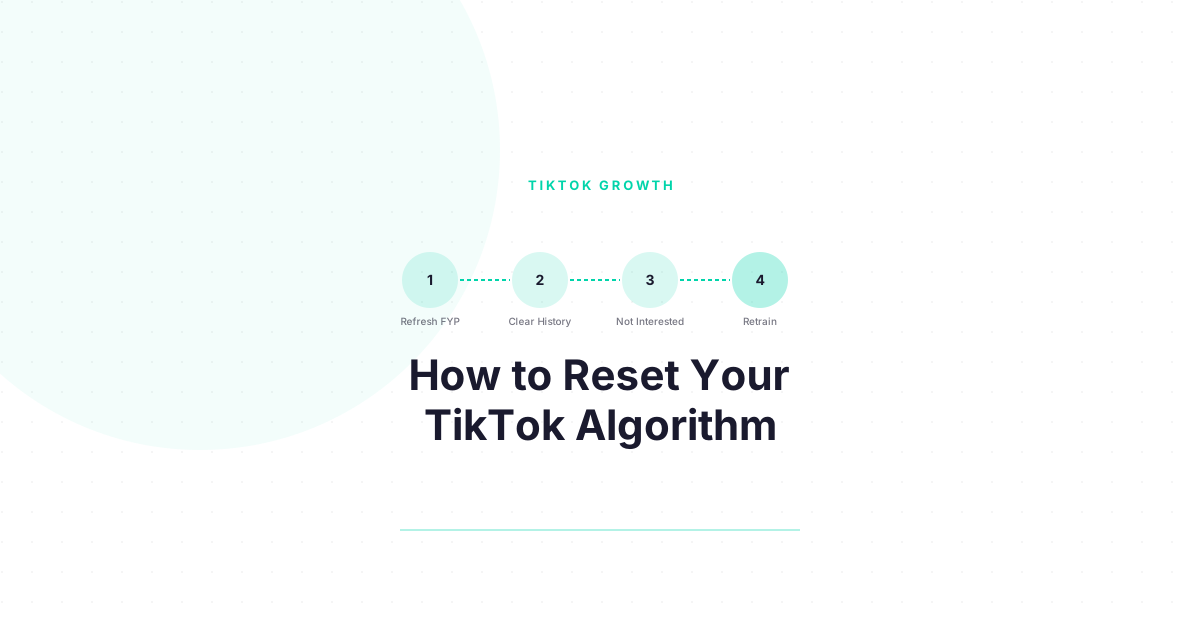
The complete reset combines four actions: refresh FYP (Settings), clear watch history, clear search history, and actively signal “Not Interested” on off-topic content. Run all four steps on day one, then spend 15-20 minutes on your FYP for three to five consecutive days watching only the content you want more of — completion rate is the key training signal.
Here is the full process in sequence:
| Step | Action | Time Required | Effect |
|---|---|---|---|
| 1 | Refresh your For You feed (Settings) | 2 minutes | Clears cached interest profile |
| 2 | Clear watch history | 2 minutes | Removes historical viewing signals |
| 3 | Clear search history | 1 minute | Removes topic curiosity signals |
| 4 | Signal “Not Interested” on off-topic FYP videos | 10-20 min/day | Sends active negative training signals |
| 5 | Watch on-topic content to completion | 15-20 min/day | Sends positive training signals |
| 6 | Save, share, comment on target content | As you go | Amplifies positive signals |
The key to step 5: watch videos all the way through. Completion rate is TikTok’s primary training signal. A video you watch 100% of sends a much stronger interest signal than ten videos you scroll past at 30%. If you want TikTok to think you love cooking content, watch cooking videos to the end — every single one.
Struggling to get views even after trying these fixes? Download the free TikTok Algorithm Decoder — we break down every ranking signal with approximate weights, so you know exactly what to optimize. Free.
How Long Does It Take for the TikTok Algorithm Reset to Work?
Most users see noticeable FYP improvement within 48-72 hours of completing all reset steps. Full retraining to a tight, accurate FYP typically takes 5-7 days of consistent viewing behavior. Creators who are active on the platform and posting content may see faster personalization because TikTok has more data points to work with.
Realistic timeline:
| Day | What to Expect |
|---|---|
| Day 1 | FYP shows generic trending content — this is normal post-reset |
| Day 2-3 | FYP begins to reflect your “Not Interested” signals; less off-topic content |
| Day 4-5 | Clear niche themes emerge in your FYP if you have been watching consistently |
| Day 6-7 | FYP should feel significantly more accurate to your actual interests |
| Day 14+ | FYP is fully retrained; maintains accuracy as long as you keep signaling |
If your FYP is still off after two weeks, check whether you have a secondary device or browser session logged in — TikTok’s algorithm aggregates signals across devices, and a different device with old viewing patterns can undermine your reset.
Should You Delete and Recreate Your TikTok Account Instead?
Deleting and recreating your account gives you a completely clean slate but has serious downsides: you lose followers, content, drafts, and your username may be taken. A full account reset is only recommended when the algorithm is severely corrupted (example: flagged for spam behavior) or when you are intentionally pivoting to a completely new niche as a creator.
Account deletion is a last resort. Before going there, try:
- The built-in FYP refresh + history clear (steps 1-3 above)
- Seven days of active retraining (steps 4-5)
- Logging out and back in, which can sometimes clear cached session data
If you are a creator and you are considering account deletion because your content is not reaching anyone, the issue is almost certainly not your FYP — it is your content’s performance signals. A new account will not fix poor completion rate, low shares, or weak hooks. Read How to Fix Your TikTok Algorithm for the creator-specific diagnostic.
Now That You Understand How the TikTok Algorithm Works — Use It to Grow
You came here to fix your FYP. But here is what most people miss: the same system that decides what you see also decides who sees YOUR content.
Everything you just learned about how TikTok ranks and recommends videos? Those exact signals — completion rate, watch time, shares, follows — are the same ones the algorithm uses to decide whether your videos reach 500 people or 500,000.
Think about it:
- Completion rate does not just affect your FYP. It is the number one signal TikTok uses to decide whether to push your video to a wider audience.
- Shares are not just engagement. They are the strongest signal that your content has value beyond your existing followers.
- The signals you just learned to retrain your own FYP are the exact signals you need to optimize in your own content.
If you are a creator — or thinking about becoming one — you now have something most TikTok creators spend months figuring out: a clear picture of how the algorithm actually decides who gets seen.
The question is: what are you going to do with that knowledge?
Next step: Download the free algorithm decoder — we break down the signals with approximate weights. Get it here
Frequently Asked Questions
How do you reset TikTok algorithm on your phone?
Open TikTok, go to Profile → Menu → Settings and Privacy → Content Preferences → Refresh your For You feed. Also clear your watch history and search history under Privacy → Search and Watch History. Combine this with actively selecting “Not Interested” on off-topic videos for three to five days to fully retrain your recommendations.
Does clearing TikTok cache reset the algorithm?
Clearing the app cache removes temporary files and can speed up the app, but it does not reset your TikTok algorithm. Your algorithm data is stored on TikTok’s servers, not your device. Use the built-in “Refresh your For You feed” option in Settings to reset the actual recommendation profile.
Why did my TikTok algorithm get messed up?
Common causes: watching a topic obsessively then stopping, someone else using your account, mass-liking content in an unrelated niche, or TikTok picking up on a browsing session in a niche you do not care about. The algorithm over-weights recent behavior, so a short binge can skew your FYP quickly.
How many “Not Interested” taps does it take to change my FYP?
There is no exact number, but consistent use over three to five days creates a clear pattern. Aim to tap “Not Interested” on every off-topic video you see during the reset period rather than just scrolling past. The explicit signal is meaningfully stronger than passive scrolling behavior.
Can the TikTok algorithm reset affect my creator account?
If you are both a viewer and a creator on the same account, the FYP reset affects only what YOU see — it does not reset how TikTok distributes YOUR content. Your creator distribution is based on your content’s performance signals (completion rate, shares, saves), not your personal viewing preferences.
Keep Reading
- TikTok Algorithm Changed in 2026: Here Is What Actually Happened — Understand what shifted in the algorithm so your reset actually sticks
- How to Reset Your TikTok Algorithm: Every Method Explained — A method-by-method comparison if you want to pick the right approach for your situation
- How to Fix Your TikTok Algorithm When It Stops Working — If you are a creator and your views have dropped, this diagnostic guide is where to start
What to Do Next
Choose the path that fits where you are right now.
Pick Your Niche
Download the free Instagram Algorithm Decoder. See the 6 signals Instagram uses to rank your content, their approximate weights, and a self-audit to score your last 10 posts.
Download FreeStart Building
Read the step-by-step setup guide for your platform.
Get Weekly Tactics
One tip, one tool, one case study. Every Tuesday.
Free. No spam. Unsubscribe anytime.